

The Rhino Difference
- Serviceable, not disposable — we repair what we build
- Ships from Huntersville, NC
- 30 Day Simple Returns
- Support from the people who built it
- 704-270-2695
RhinoLink Bluetooth Controller
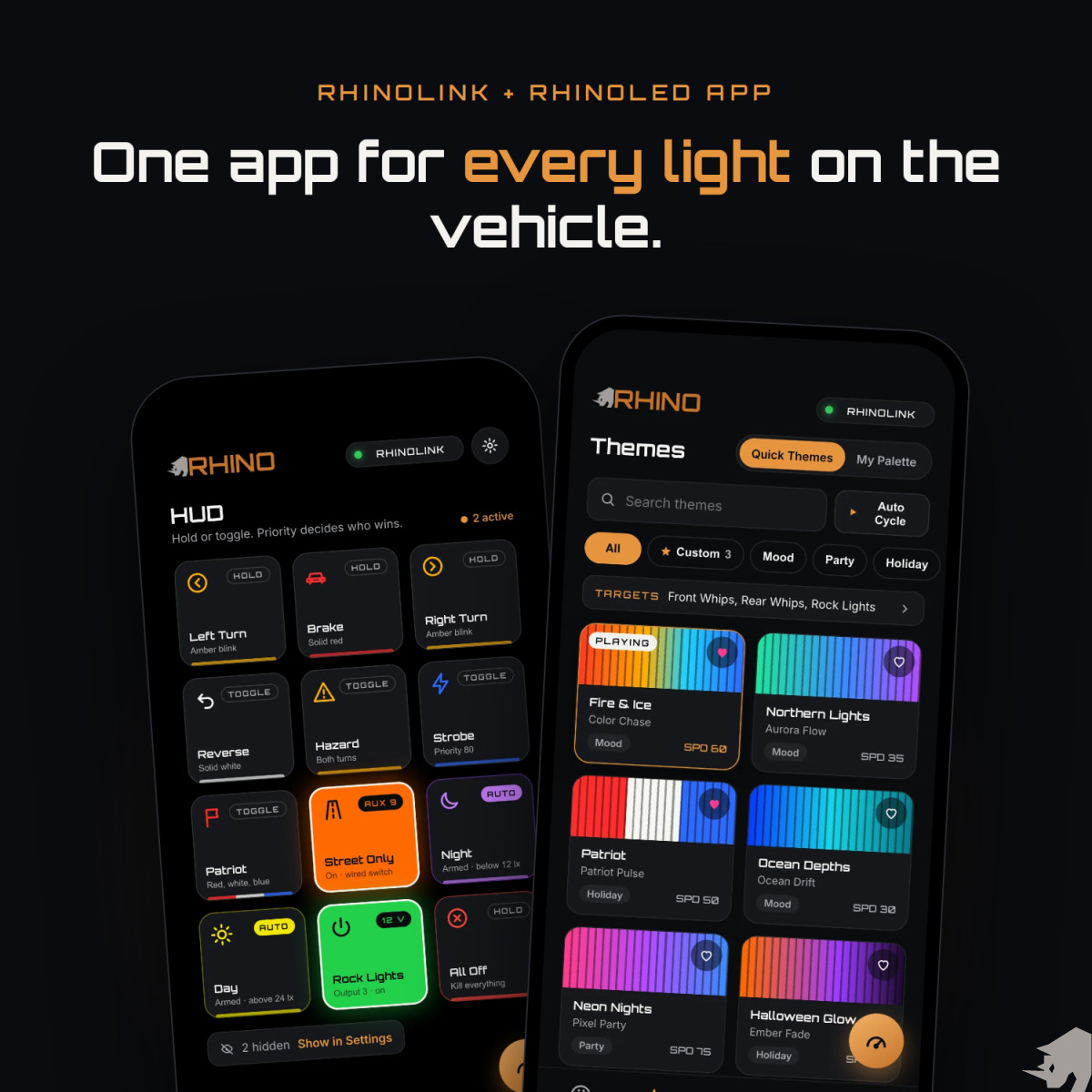
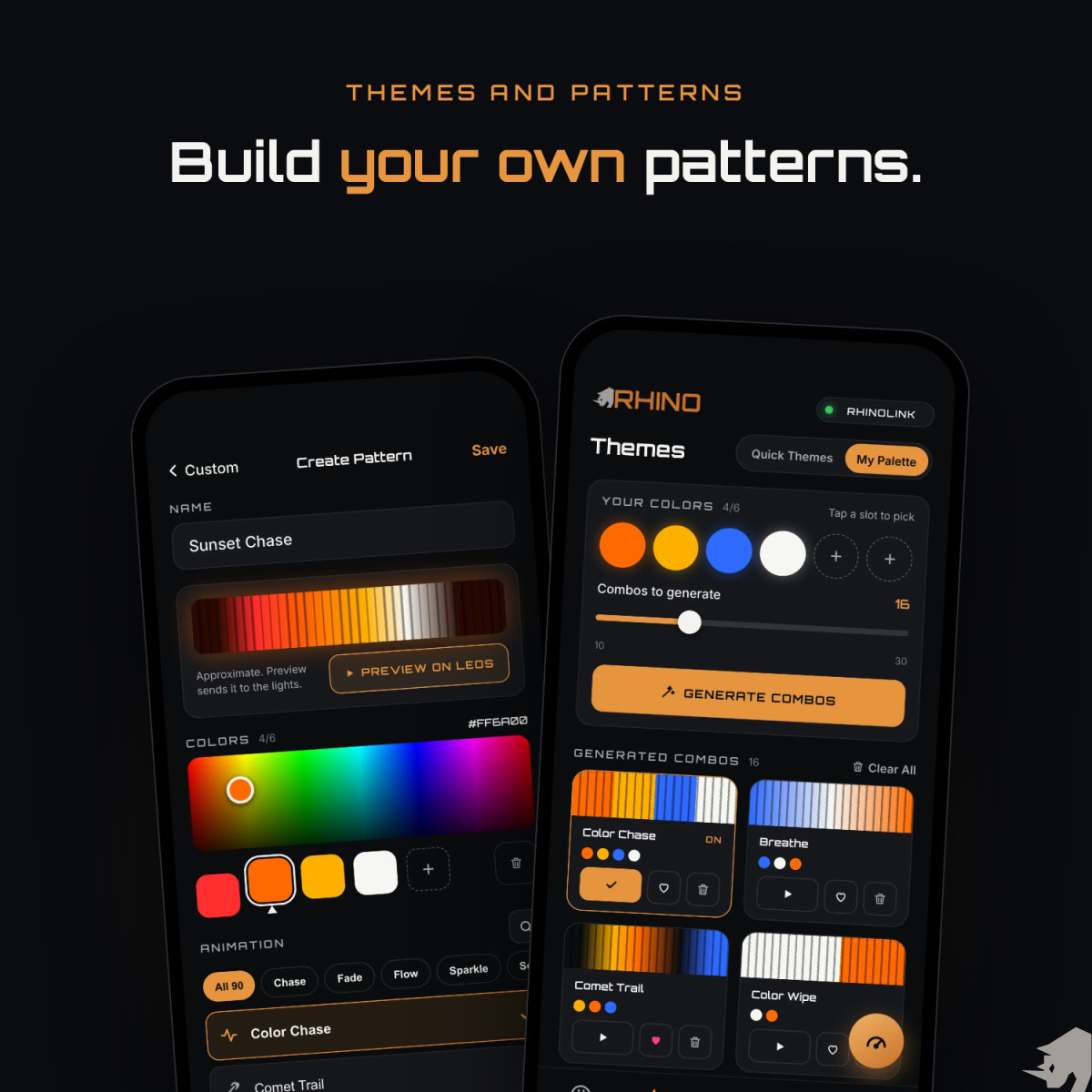
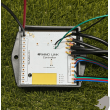
RhinoLink connects your Rhino RGB and RGB+W lights, your vehicle’s turn, brake and reverse signals, your switch panel and your accessory relays into one control system — with the free RhinoLED iOS app on top when you want it.
5 LED channels, RGB or RGB+W · 12 opto-isolated 12V vehicle inputs · 8 relay-trigger outputs · 92 patterns. One signal can change your lighting and fire a relay at the same time.
Now shipping. First production units are going out to customers.
Your lights should know what your vehicle is doing.
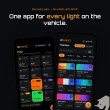
RhinoLink wires into your turn, brake and reverse signals and your switch panel, so your Rhino RGB and RGB+W lights and your accessories respond to what the vehicle is doing. The free RhinoLED app on your iPhone does the rest.
- 5LED channels, RGB or RGB+W
- 12wired vehicle inputs
- 8relay outputs
- 92animations, 11 sound-reactive
Six things that set it apart.
Listens to the vehicle
Turn, brake, reverse and switch-panel signals drive the lights. Once it is set up, no phone is needed.
RGB and RGB+W, any channel
Rock lights, whips, halos, pod rings and strip, all in sync on one controller.
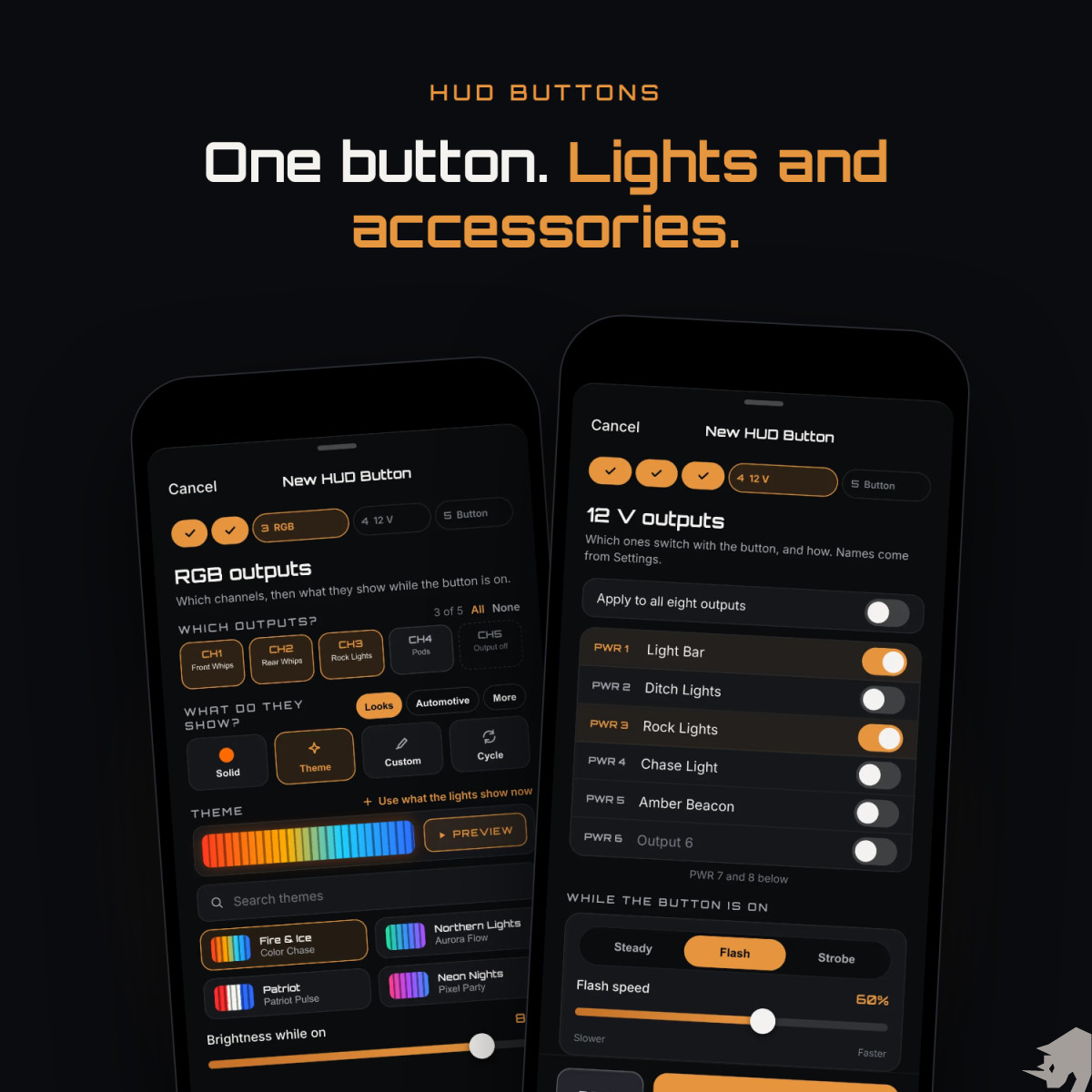
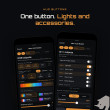
HUD buttons you build
Pick what turns it on, which lights change, which accessories switch, and how it looks.
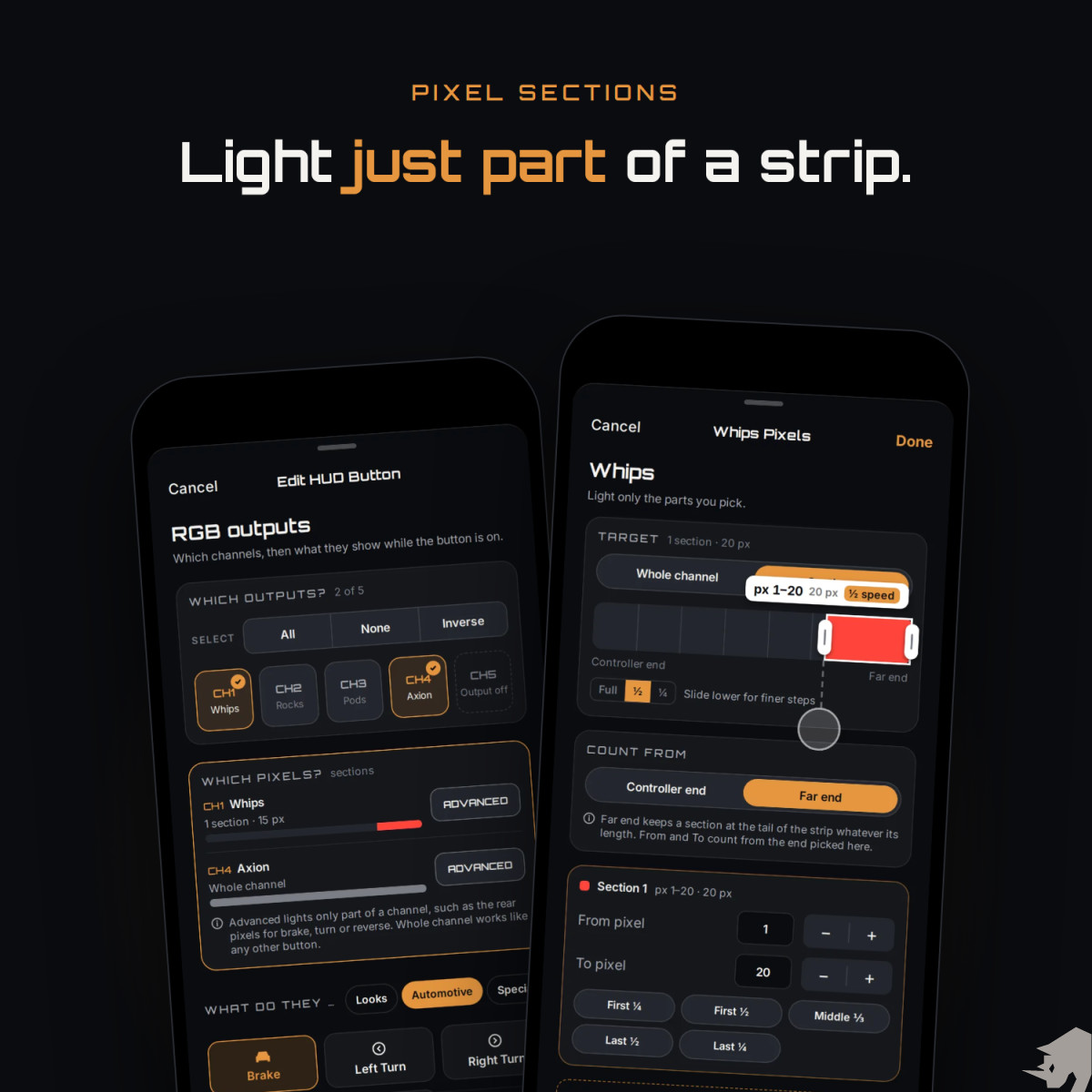
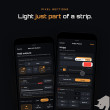
Light part of a strip
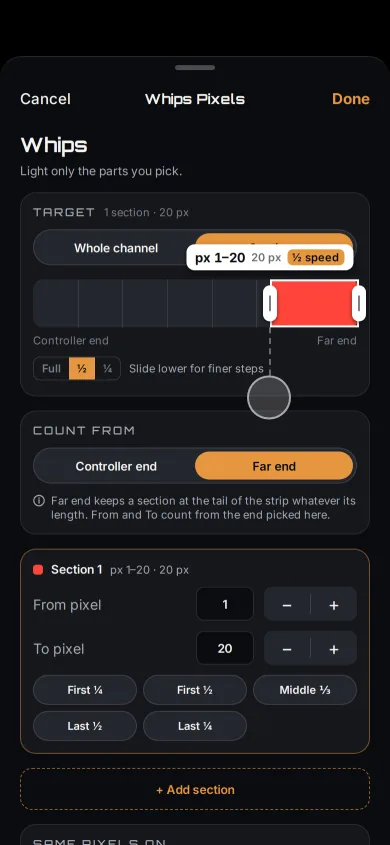
Up to 8 pixel sections per button, like brake lights on the ends of a rear strip.
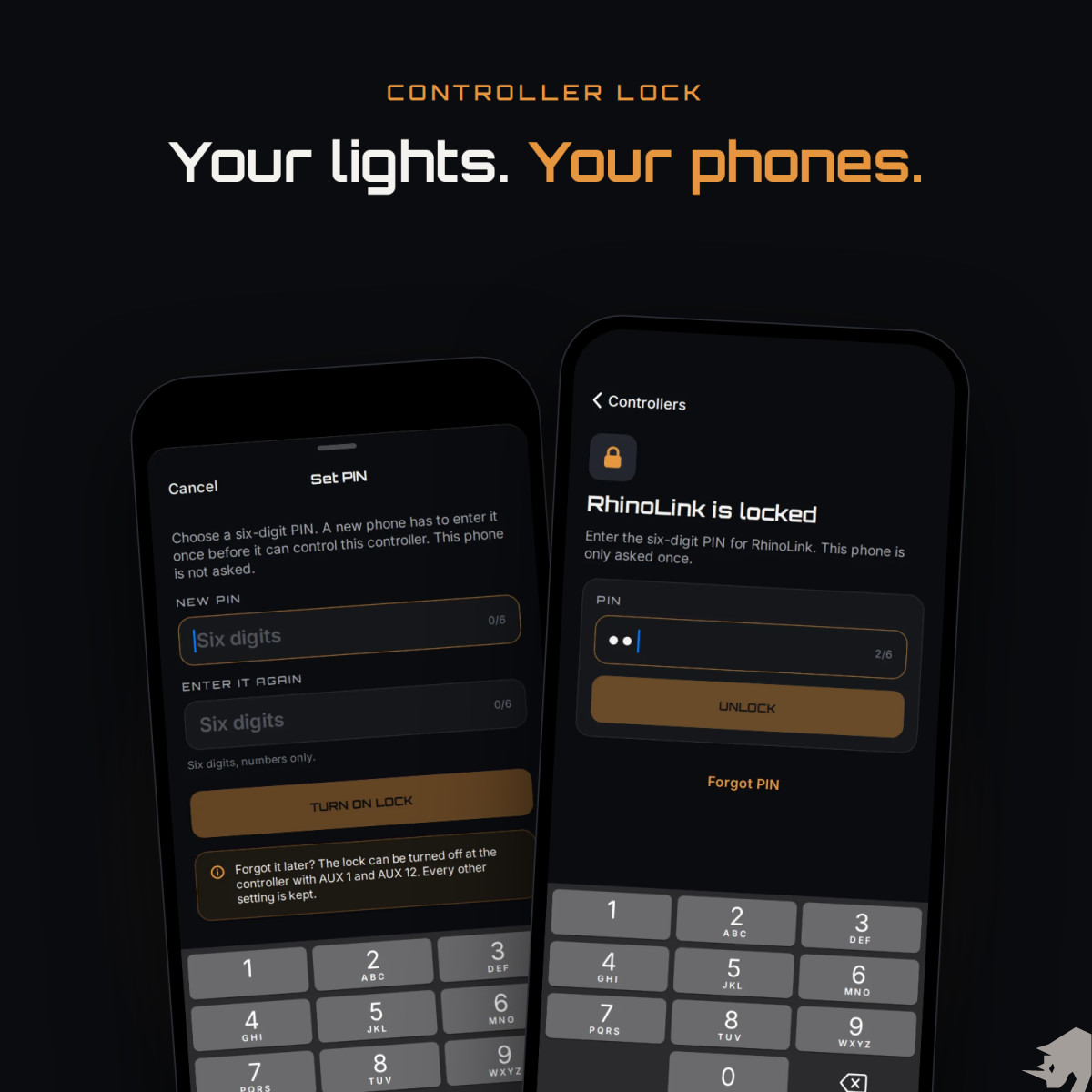
Lock it with a PIN
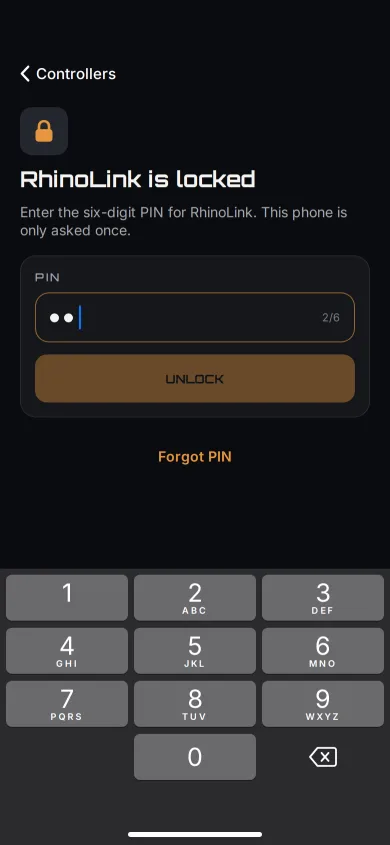
A 6-digit PIN keeps other phones out. Forget it, and you clear it at the vehicle.
Switches accessories
8 outputs, rated 3 A each, trigger relays for work lights, pod beams or a light bar, on the same signal as the lights.
Set it up your way.
Wire it once. Set it up in minutes.
- Connect. Open RhinoLED and tap Connect. Next time it reconnects on its own.
- Name your channels. Give each of the 5 channels a short name, like Whips or Rocks (up to 8 characters, no spaces), and pick the LED driver for each.
- Drive. Pick colors and themes by hand, or let your vehicle’s signals take over.
Runs Rhino RGB and RGB+W.
Rhino RGB
- Diamond RGB rock lights
- Rhino 2.0 whips (1″ RGB)
- Rhino 2.5 Fattie whips (1.3″ RGB)
- Rhino RGB halos
- RGB strip
- Rhino Pod RGB rings
Rhino RGB+W
- Axion RGB+W rock lights
- Rhino 3.0 RGB+W whips
- RGB+W strip
Any of them on any channel, all in sync. A channel runs one kind of light, so RGB and RGB+W lights go on separate channels.
Under the lid.
- LED channels
- 5, each independent, RGB or RGB+W
- Vehicle inputs
- 12 × opto-isolated 12 V, debounce 0–1000 ms per input
- Relay outputs
- 8 × 12 V, rated 3 A each, to trigger external relays; Solid / Pulse / Strobe, 0.5–10 Hz
- Animations
- 92 built in, including 11 sound-reactive; 21 automotive (8 brake, 10 turn, 3 reverse)
- Trigger actions
- 21, plus a relay-only mode that fires outputs without touching a channel
- Priority
- 5–150, with a floor per action
- Pixel sections
- Up to 8 per HUD button, set channel by channel
- Controller lock
- 6-digit PIN, set in the app
- Light sensor
- Built in on every board, for automatic Day and Night buttons
- Firmware updates
- Over Bluetooth, from the RhinoLED app
- LED drivers
- 8, set channel by channel
- Quick Themes
- 54
- Connectivity
- Bluetooth Low Energy. No WiFi, no cloud, no subscription.
- Power
- 12 V DC automotive input with onboard regulation
- Controller name
- Up to 31 characters
- App
- RhinoLED: iPhone, iOS 15.0 or later, free download
- In the box
- The RhinoLink controller in its waterproof housing, and a card to download the RhinoLED app
For the full picture.
One signal, multiple actions
Wire the reverse signal once, then decide, channel by channel and output by output, what backing up looks like on your machine:
- Selected channels change to white, while the channels you did not pick carry on as they were.
- Pod RGB rings change with them, because the ring sits on a channel like any other light.
- An output fires and switches an external relay for backup pods or a work light.
- When reverse ends, the interrupted channels go back to their pattern, colors, brightness and speed.
One input, or one button in the app, can change your lights and fire relay outputs in the same instant. A trigger can also fire outputs only, with no lighting change at all.
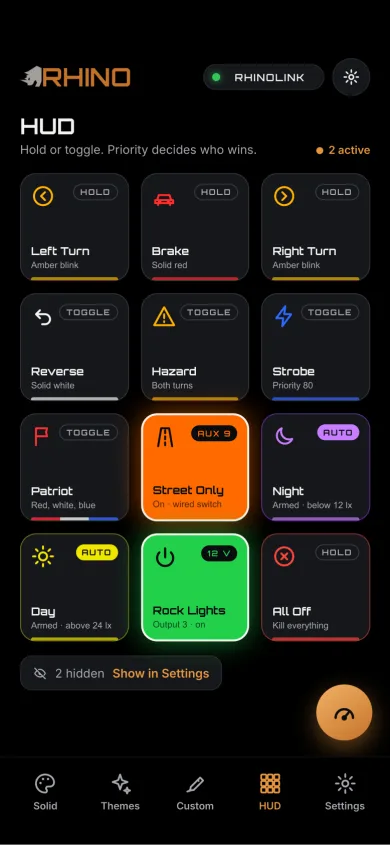
Build your own HUD buttons
Five steps: choose what turns it on (a tile on the HUD, a wired switch, or both), what it does (change the lights, switch accessories, or both), which channels it lights and what they show, which outputs switch with it, then name it, pick an icon and choose hold or toggle.
Ready-made buttons cover brake, turn, reverse, hazard, strobe, SOS and Street Only. The board pushes physical trigger state back to the HUD as it happens. The trigger and what it does are saved to the controller, so a wired switch works with or without the phone.
Pixel sections
Any HUD button that lights RGB can take a whole channel or just the pixels you pick: up to 8 sections per button, set channel by channel. Drag a section into place or set it pixel by pixel.
Brake, turn, hazard and reverse run your chosen pattern inside the section; other buttons show one color: Steady, Brake, Blink or Sweep. Pixels outside a section are never touched, so the rest of the strip keeps its show.
Controller lock
Turn on Controller lock and set a 6-digit PIN. A phone that has not entered it cannot control your lights. The phone that set it is never asked, and a phone you trust enters it once.
After 5 wrong tries a phone waits 30 seconds, then longer after each miss, up to 15 minutes. Forget the PIN and you clear it at the vehicle with two switches; your buttons, channels and names are kept. No master PIN and no account.
Priority: who gets the lights
Every action carries a priority from 5 to 150, each starting at a floor: reverse highest, then turn and hazard, then brake. Raise an action above its floor to suit how you drive. When two buttons tie, the one you pressed last wins.
Patterns, themes and sound
92 animation patterns, including 11 sound-reactive modes. The microphone is on the controller, so sound is picked up at the board rather than streamed from your phone.
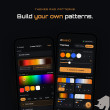
21 automotive patterns built for the signals: 8 brake, 10 turn and 3 reverse. Plus 54 Quick Themes, a pattern builder, DIY color slots and the My Palette generator.
What is saved on the controller
Trigger mappings, pixel sections on wired buttons, automotive pattern choices, output settings, your Startup Profile and the controller’s name. The vehicle-triggered half of the system never waits for a phone. No WiFi, no cloud, no subscription. Your HUD layout, favorites, themes and custom patterns live in the app on your phone, and a factory reset puts both back to defaults.
About pods
The pod’s RGB ring can go on a channel like any other Rhino RGB product. The pod’s high-output main beam is not an addressable light; it can be switched through an appropriately wired external relay off a RhinoLink output.
Designed, built and serviced in North Carolina: we draw the board, write the firmware and build the app. RhinoLink controls auxiliary and accent lighting. It is not a replacement for required factory vehicle lighting. Lighting regulations vary — check local requirements before public-road use.
See the full walkthrough- RhinoLink controller in a waterproof housing
- Card to download the RhinoLED app — iPhone, iOS 15.0 or later, free
Your lights and any external relays are not included.